The Overkill(?) Logger: Building a Privacy-Aware, High-Performance Logging System for iOS
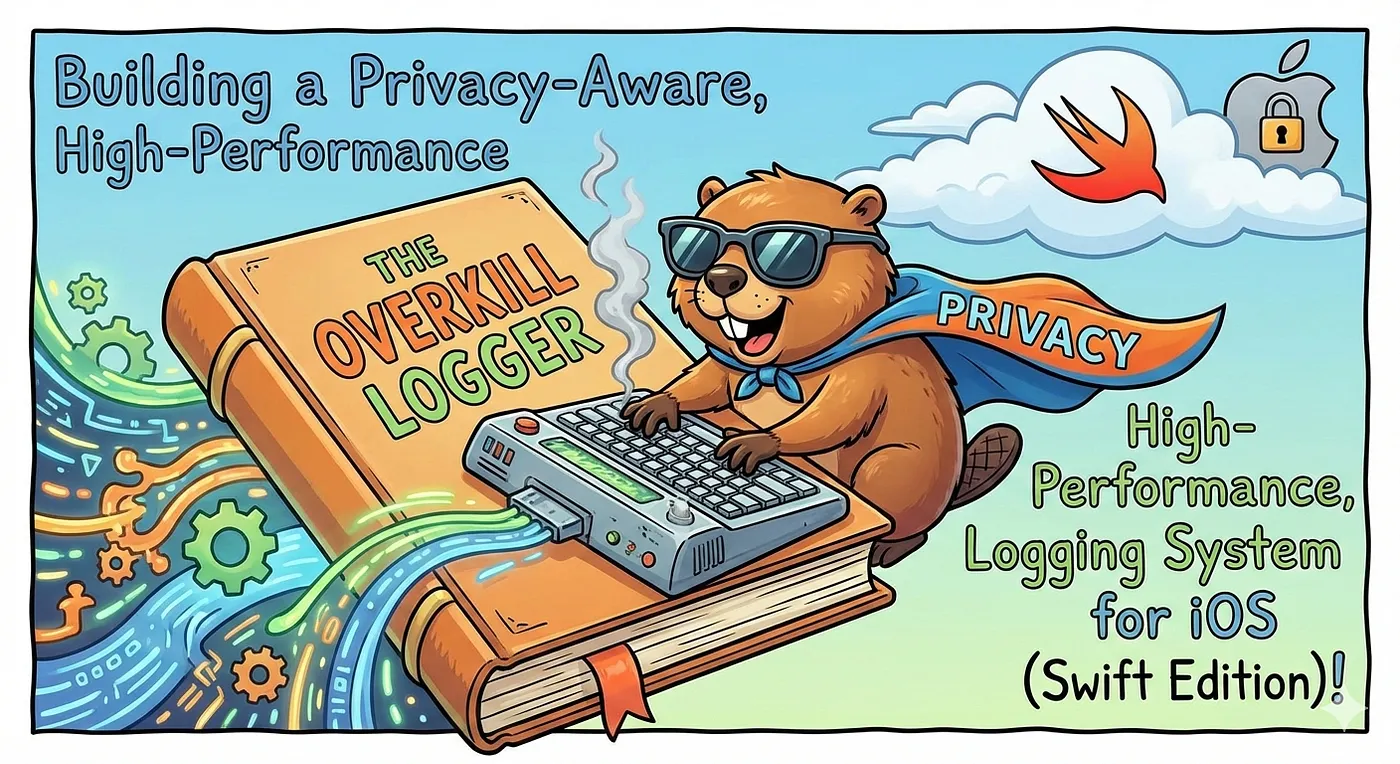
Let’s be honest. As iOS developers, our (and who may not know about Xcode breakpoints) first instinct when debugging is to type print("check 1"), print("here"), or the classic print("ERROR: \(error)").
It works. It’s simple. And for a “Hello World” app, it’s fine.
But we aren’t building “Hello World” apps. We are engineers. We don’t want a logger that just prints text. We want a logger that understands context, respects user privacy, optimizes CPU performance, and looks good doing it. We want a space shuttle launch system inside our simple To-Do list app.
Why? Because we can.
In this article, I’m going to share the custom Logging System I use in my personal projects. It wraps Apple’s native OSLog with some advanced Swift features like @autoclosure and conditional compilation. Is it overkill? Probably. Is it awesome? Absolutely.
The Problem with print()
Before we look at the code, we need to understand why we are building this. Standard print statements have three major flaws:
- Performance: They block the main thread. If you leave a
printinside a tight animation loop, your UI will stutter. - No Context: A console full of “Data loaded” messages is useless if you don’t know which file or line number generated them.
- Security Risks: If you accidentally leave
print("User: \(email)")in your code, that data is readable in the system logs of the device. That is a privacy leak.
My solution addresses all three.
Part 1: Smart Log Levels
First, we need to distinguish between “noise” and “signal.” We define a LogLevel enum that is Comparable.
enum LogLevel: Int, Comparable {
    case verbose = 0   // "Loop i=1", "Loop i=2" (Noise)
    case debug = 1     // "User clicked button"
    case info = 2      // "App entered background"
    case warning = 3   // "API slow, but working"
    case error = 4     // "Crash imminent"

    // ... (Computed properties for naming and OSLogType mapping)
}
Why **Comparable**? Because the enum has integer raw values (0-4), we can set a “threshold.” In my Logger class, I define a minimumLogLevel.
- In Debug Mode: I set the minimum to
.verbose. Show me everything. - In Release Mode: I set the minimum to
.info. The logger effectively “mutes” all verbose and debug logs, keeping the production console clean.
Part 2: The “Privacy” Feature (The Overkill Part)
This is where things get fancy. Apple’s OSLog allows you to redact sensitive info (replacing it with <private>) in production logs. But the default behavior is clunky.
I created a specific enum called LogPrivacy to give me granular control over what gets seen and when.
enum LogPrivacy {
    case `public`      // Always visible (DEBUG + RELEASE)
    case `private`     // Redacted in RELEASE
    case auto          // The Magic: Public in DEBUG, Private in RELEASE
    case sensitive     // Always redacted (For the paranoid)
}
The .auto Case.
This is my favorite feature. When I log using .auto, the logger checks if the app is in DEBUG mode.
- Debugging: I see:
User email: dim@test.com - App Store Build: The system sees:
User email: <private>
I don’t have to remember to remove logs before releasing. The code handles the censorship for me.
Part 3: Performance & Lazy Evaluation (@autoclosure)
This is the part that usually impresses the Performance-Obsessed Engineer Cult.
String interpolation (e.g., "User: \(user.description)") is expensive. The CPU has to allocate memory and build that string.
Imagine you have this log:
Logger.verbose("Huge Object Dump: \(heavyObject.generateDebugDescription())")
If your app is in Release Mode, the verbose level is ignored. However, in a standard function, Swift would still execute heavyObject.generateDebugDescription() just to pass the string to the function, only for the function to immediately ignore it. That is wasted CPU time.
The Solution: @autoclosure
Look at my method signature:
static func verbose(_ message: @autoclosure () -> String, ...)
By adding @autoclosure, we tell Swift: “Don’t calculate this string yet. Wrap it in a closure and wait.”
Inside the log function, we check the log level first. If the level is too low, we return immediately. We never call the closure. The expensive string generation never happens. This makes the logger incredibly performant, allowing you to leave thousands of debug logs in your code with zero impact on production performance.
Part 4: The Implementation
Here is how we tie it all together. We use OSLog as the backend because it is highly optimized by Apple to be battery-efficient.
The Metadata Injection
I use Swift’s literal expressions (#file, #function, #line) as default arguments. You don’t type these, the compiler fills them in for you. The compiler automatically fills these in with the location where the function was called.
#file: The absolute path of the source file.#function: The name of the function calling the logger.#line: The line number.
// Usage: Logger.info("Hello")
// Compiler sees: Logger.info("Hello", file: "ViewController.swift", function: "viewDidLoad", line: 42)
The Core Logic
The log function does the heavy lifting. Note the switch privacy block. os_log requires static strings for its formatting specifiers (%{public}@ vs %{private}@), so we have to explicitly switch between them.
private static func log(level: LogLevel, message: String, privacy: LogPrivacy, file: String, function: String, line: Int) {
    // 1. Filter: If this is a verbose log and we are in Release, STOP.
    guard level >= minimumLogLevel else { return }

    // 2. Format: Clean up the filename and add a timestamp in DEBUG
    let formattedMessage: String
    #if DEBUG
    let timestamp = ISO8601DateFormatter().string(from: Date())
    let fileName = (file as NSString).lastPathComponent
    formattedMessage = "\(timestamp) \(level.name) [\(fileName):\(line)] \(function) > \(message)"
    #else
    formattedMessage = message
    #endif

    // 3. Log: Send to OSLog with the correct privacy setting
    switch privacy {
    case .public:
        // "%{public}@" forces the log to be visible
        os_log("%{public}@", log: logger, type: level.osLogType, formattedMessage as NSString)
    case .private:
        // "%{private}@" redactes the message in Release
        os_log("%{private}@", log: logger, type: level.osLogType, formattedMessage as NSString)
    case .sensitive:
        // The sensitive log type always redactes the message
        os_log("%{private}@", log: logger, type: level.osLogType, formattedMessage as NSString)
    case .auto:
        // The Smart Switch using Compiler Directives
        #if DEBUG
        os_log("%{public}@", log: logger, type: level.osLogType, formattedMessage as NSString)
        #else
        os_log("%{private}@", log: logger, type: level.osLogType, formattedMessage as NSString)
        #endif
    }
}
The Helper Methods
static func verbose(_ message: @autoclosure () -> String, privacy: LogPrivacy = .auto, file: String = #file, function: String = #function, line: Int = #line) {
    log(level: .verbose, message: message(), privacy: privacy, file: file, function: function, line: line)
}

static func debug(_ message: @autoclosure () -> String, privacy: LogPrivacy = .auto, file: String = #file, function: String = #function, line: Int = #line) {
    log(level: .debug, message: message(), privacy: privacy, file: file, function: function, line: line)
}

static func info(_ message: @autoclosure () -> String, privacy: LogPrivacy = .auto, file: String = #file, function: String = #function, line: Int = #line) {
    log(level: .info, message: message(), privacy: privacy, file: file, function: function, line: line)
}

static func warning(_ message: @autoclosure () -> String, privacy: LogPrivacy = .auto, file: String = #file, function: String = #function, line: Int = #line) {
    log(level: .warning, message: message(), privacy: privacy, file: file, function: function, line: line)
}

static func error(_ message: @autoclosure () -> String, error: Error? = nil, privacy: LogPrivacy = .auto, file: String = #file, function: String = #function, line: Int = #line) {
    var fullMessage = message()
    if let error = error {
        fullMessage += " | Error: \(error.localizedDescription)"
    }
    log(level: .error, message: fullMessage, privacy: privacy, file: file, function: function, line: line)
}
How to use it
Now that we have over-engineered the internal logic, using it is beautifully simple.
1. The Standard Debugging Log
Logger.debug("User tapped the button")
// Output: 2023-12-01... DEBUG [HomeVC.swift:45] didTapButton > User tapped the button
2. The “Smart” Privacy Log
// By default, privacy is set to .auto
Logger.info("User ID: \(user.id)")

// In Simulator: User ID: 12345
// In App Store: User ID: <private>
3. The “I need to see this in Crashlytics” Log
// Force public visibility even in Release
Logger.error("Database corruption detected", privacy: .public)
4. The Error Log
Logger.error("Network failed", error: apiError)
// Appends the localized description of the error automatically
Conclusion
Is this logger 100+ lines of code just to replace print()? Yes. Did I spend more time writing the logger than the actual feature I was debugging? Also yes.
But what we have achieved is a System.
- We have Safety: No accidental data leaks.
- We have Performance: Lazy evaluation saves CPU.
- We have Context: We know exactly where every log comes from.
If you are serious about your iOS architecture (or just like over-engineering things as much as I do), feel free to copy this Logger class in https://github.com/dimaswisodewo/The-Overkill-Logger into your project. Your console will thank you.
Thank you for reading!