Blog / 2026
Making CAP or JAIL for Very Disco Game Jam 2.0
The theme for Very Disco Game Jam 2.0 was “CAP.” I thought of cap, the Indonesian word for stamp. That gave me the idea for CAP or JAIL. I made this driving game on my own.
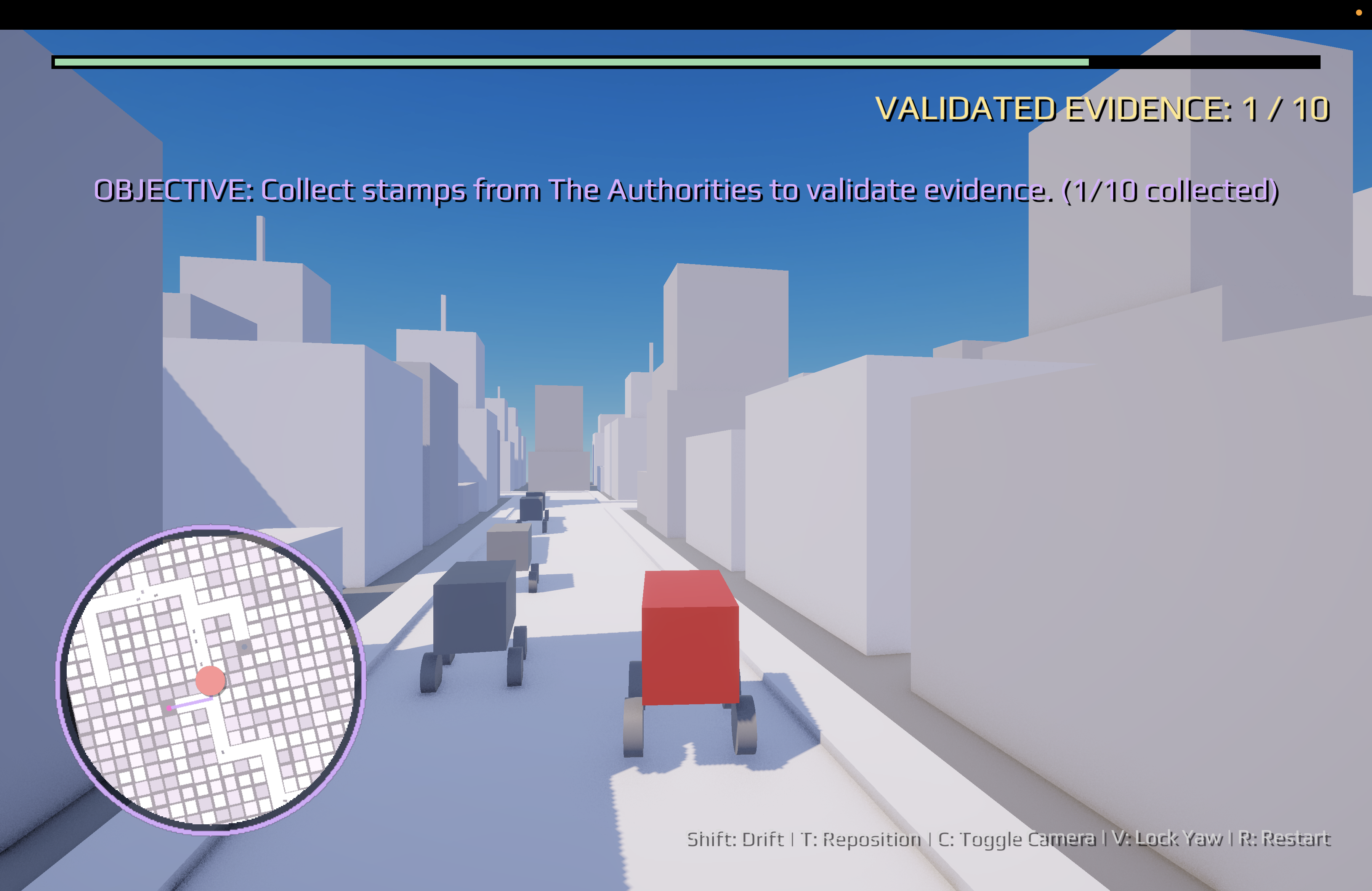
In the game, your boss falsely blames you for corruption. To prove you did nothing wrong, you drive to ten offices and get each piece of evidence stamped. Then you take all ten stamped pieces to the Supreme Court. Crashes damage the evidence. If it takes too much damage, you lose and go to jail.
I wanted the drive between offices to be the main part of the game. I needed a city with a new layout each time the game starts. I also needed a way to show the next stop and enough traffic to make driving harder.
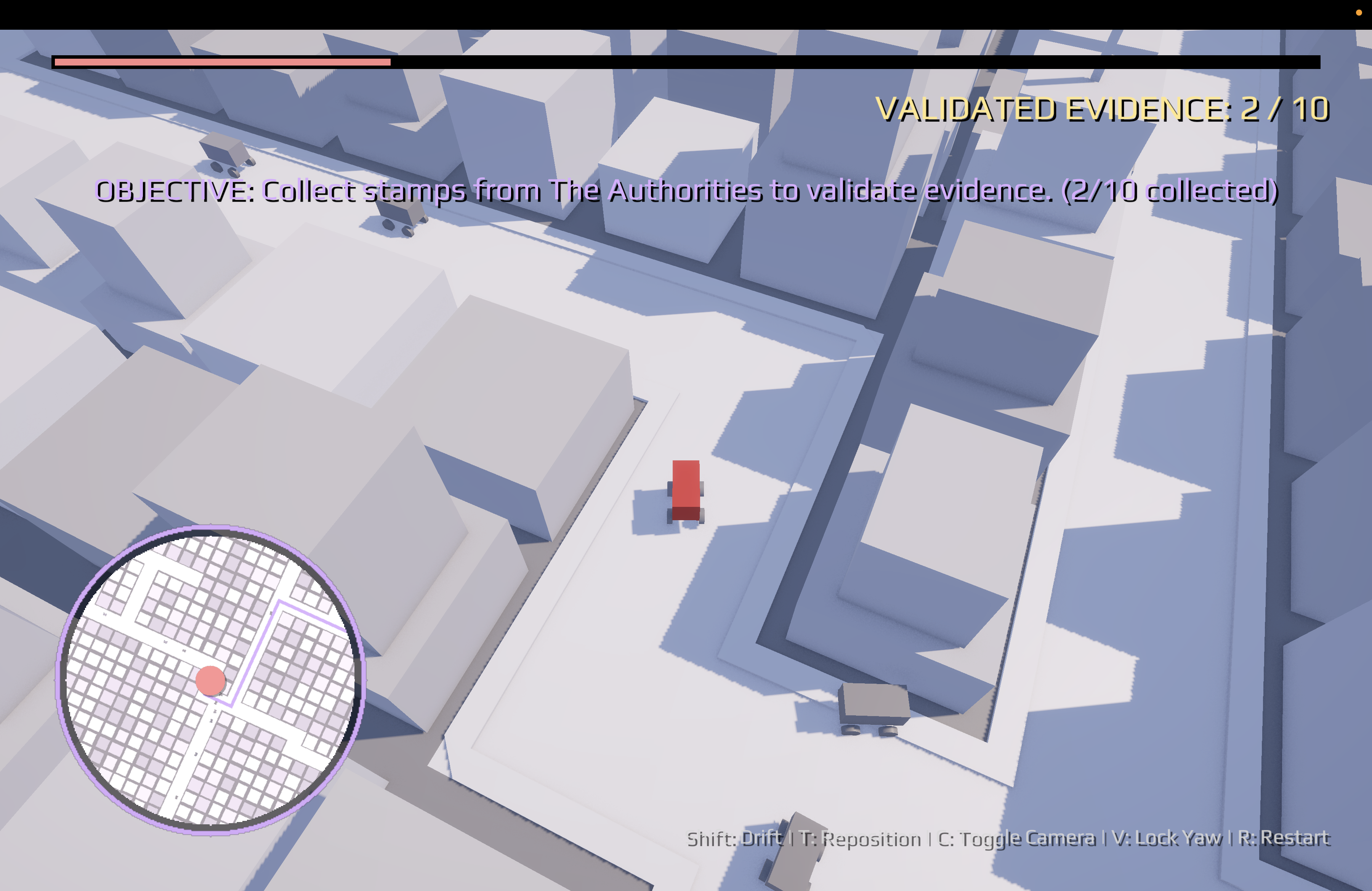
Building the city
I made three road pieces in Blender: a straight road, a turn, and a T-shaped junction.
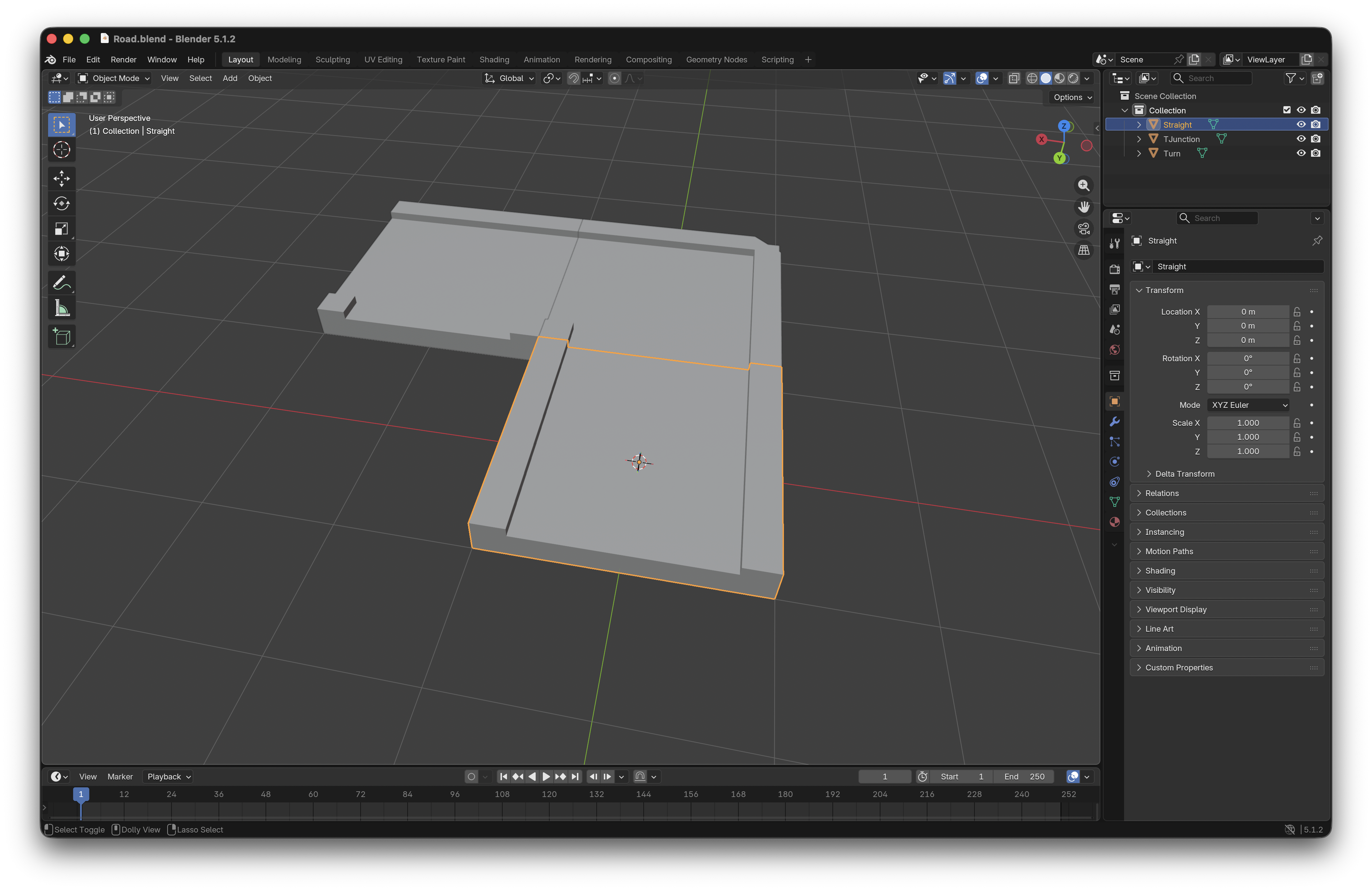
In Unity, I use a minimum spanning tree to connect points on the map. This gives every point a route to the others. I add more connections so there are fewer dead ends. Then I draw the roads on a grid. For each grid cell, I check which sides connect to other roads. That tells me which road piece to place and how to turn it. I put buildings beside the roads and connect the stamp locations. The whole map is made when the game starts. It does not grow while you drive.
To help the game run smoothly, I use distance culling. Culling means turning off roads and buildings that are far from the player’s car. When the car gets close, the game turns them on again. The whole map stays in place, but many objects can stay off until they are needed. Traffic uses a separate system that adds and removes cars near the player.
The culling manager checks the car’s position every so often. If the car has hardly moved, it skips the check. It uses squared distances because they are faster to compare. It calls SetActive only when an object needs to change from on to off, or from off to on. Here is part of CullingManager.UpdateCulling. I left out the code that finds the player and starts the loop:
float sqrThreshold = playerMoveThreshold * playerMoveThreshold;
if (hasLastPlayerPos && (playerPos - lastPlayerPos).sqrMagnitude < sqrThreshold) {
    return;
}

lastPlayerPos = playerPos;
hasLastPlayerPos = true;

float sqrRadius = cullingRadius * cullingRadius;
// ... iterate over registered objects
float sqrDist = (item.position - playerPos).sqrMagnitude;
bool shouldBeActive = sqrDist <= sqrRadius;

if (item.isActive != shouldBeActive) {
    item.gameObject.SetActive(shouldBeActive);
    item.isActive = shouldBeActive;
    cullableObjects[i] = item;
}
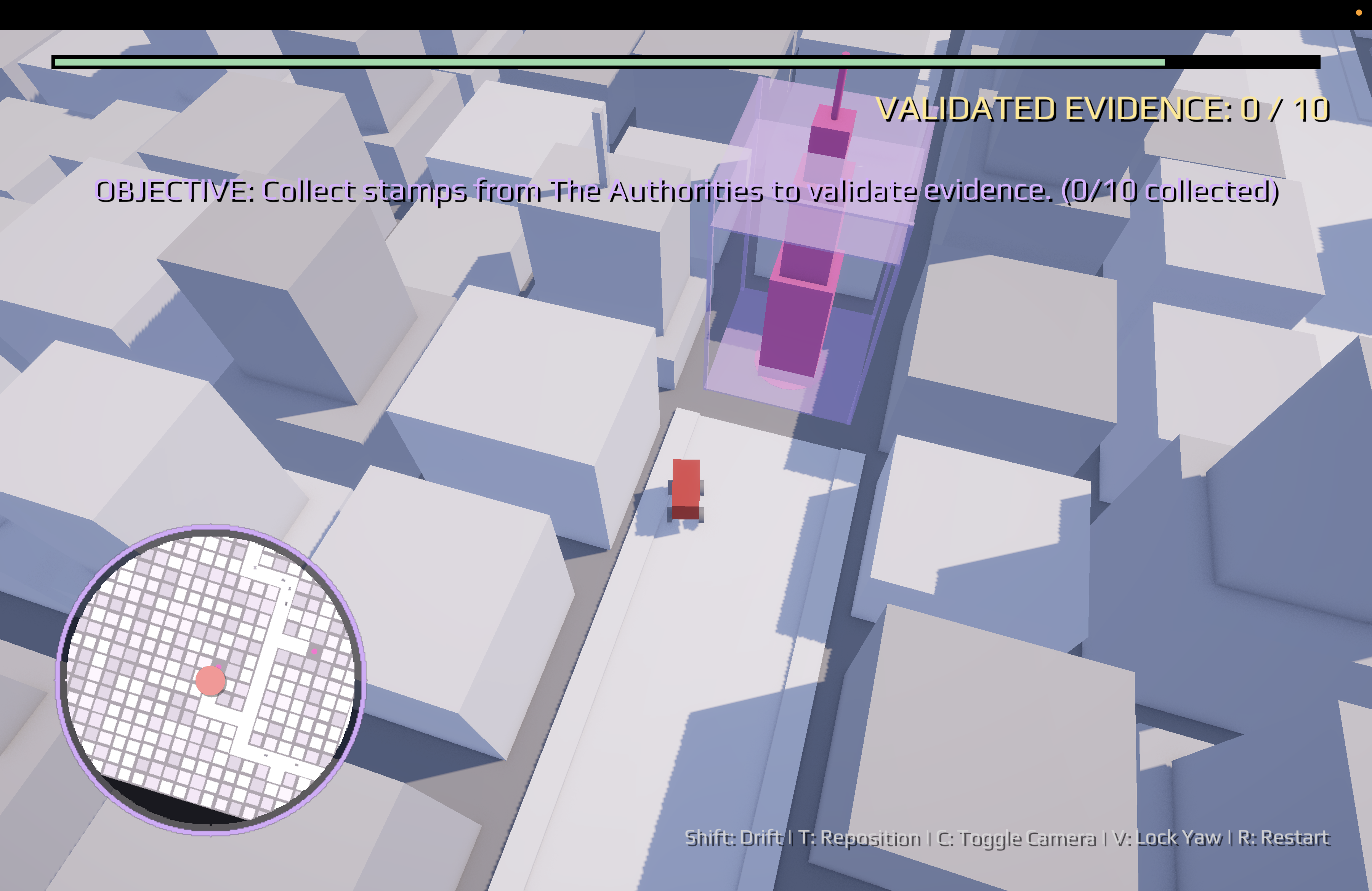
Finding the next stamp
The small map shows a route to the next stamp location. I use A*, a way to find a path through connected roads. It searches road cells and stamp location cells, then draws the path as a line. The player can follow turns instead of driving toward a point across the city.
The pathfinder checks the four cells next to each cell. For the player’s route, it skips cells that are not roads or stamp locations. It remembers the shortest route found so far to each cell. It also estimates how far each cell is from the goal, so it can choose which cell to check next. Here is part of GridPathfinder.FindPath. I left out the main search loop and the code that builds the final path:
if (restrictToRoadsAndSpots) {
    if (!roadCells.Contains(neighbor) && !spotCells.Contains(neighbor)) {
        continue;
    }
}

float tentativeGScore = gScore[current] + moveCost;

// ... skip the neighbor if its existing route is cheaper
cameFrom[neighbor] = current;
gScore[neighbor] = tentativeGScore;

float h = Mathf.Abs(neighbor.x - end.x) + Mathf.Abs(neighbor.z - end.z);
fScore[neighbor] = tentativeGScore + h;
The small map turns the path’s grid cells into points in the game world. A LineRenderer draws a line through those points. If A* finds no path, the map draws a straight line to the goal. This still shows the right direction, but the line may cross buildings or leave the roads.
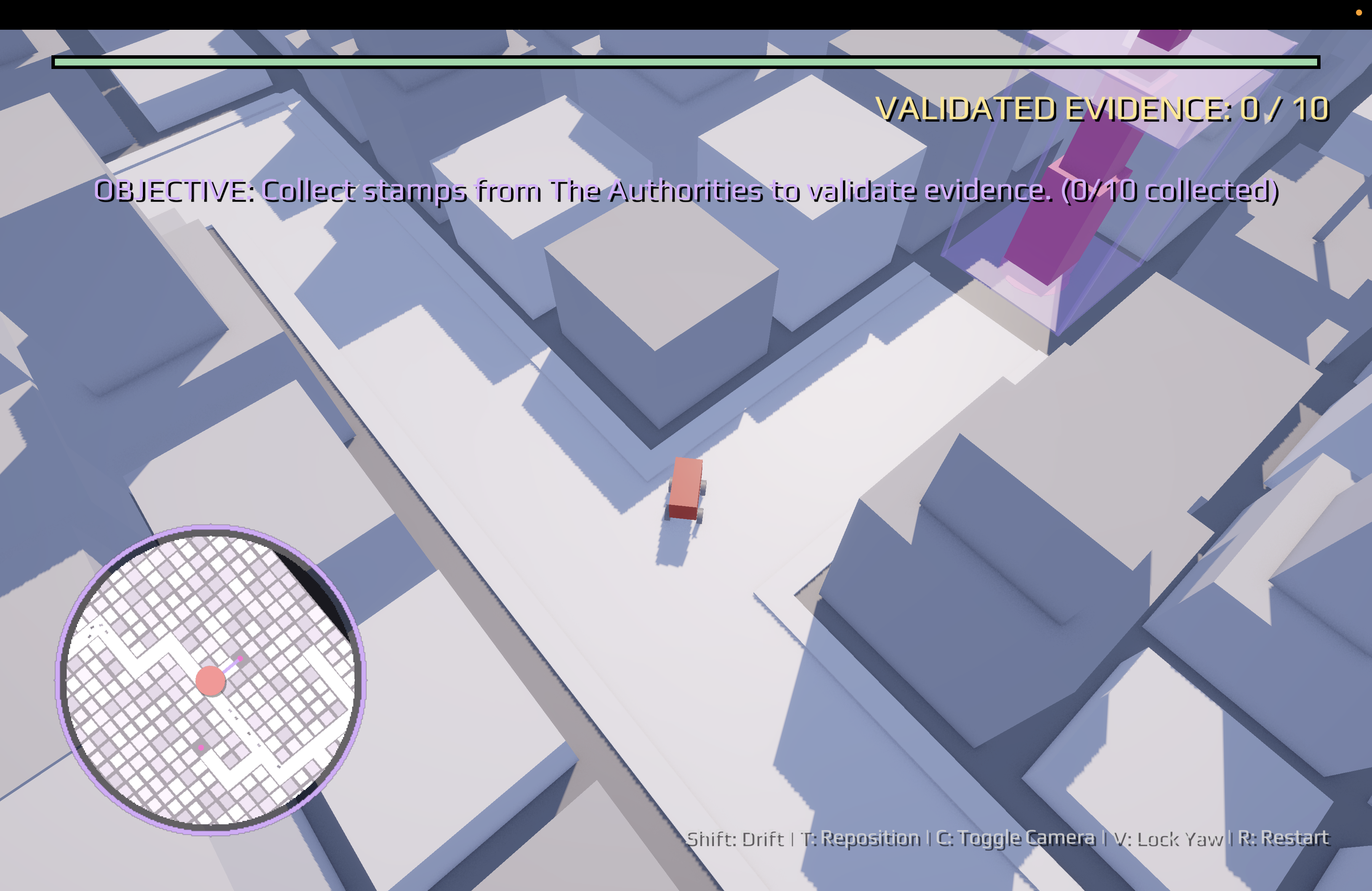
Making traffic feel alive
The other cars also follow routes along the roads. The traffic manager adds cars near the player, gives each car a place to drive to, and removes cars that are too far away. Each car checks the road ahead. It slows down if the player’s car or another car is in the way.
The manager adds cars only on empty road cells within a set distance of the player. Every so often, it checks how many cars are active. It removes cars that have gone too far away. If there are fewer cars than the set limit, it adds another one. Here is part of TrafficManager.TrafficRoutine. I left out the checks for missing cars and the code that starts the loop:
if (!npc.isSpunOut) {
    float dist = Vector3.Distance(playerPos, npc.transform.position);
    if (dist > despawnDistance) {
        DespawnNPC(npc);
    }
}

if (activeNPCs.Count < maxNPCCount) {
    SpawnNPC();
}
I also needed a way for traffic to recover after a crash. A car can spin out, find a nearby road, get a new route, and move back into its lane. It waits three seconds before driving again. The traffic manager does not remove a car while it is spinning. If the car cannot find a new route, the game removes it. This stops crashed cars from staying in the city forever.
Takeaway
I built the game on my own, from the road pieces and city map to the small map and traffic. My favorite part was seeing everything work together. The route depends on connected roads, and traffic makes each drive different. You can play CAP or JAIL or see the code. The build on itch.io currently runs only on macOS.