Project
AniMagixx
An iPad app that turns your drawings into animated 3D characters you can place in the real world with AR.
SwiftPencilKitVisionMetalARKitiPadOS
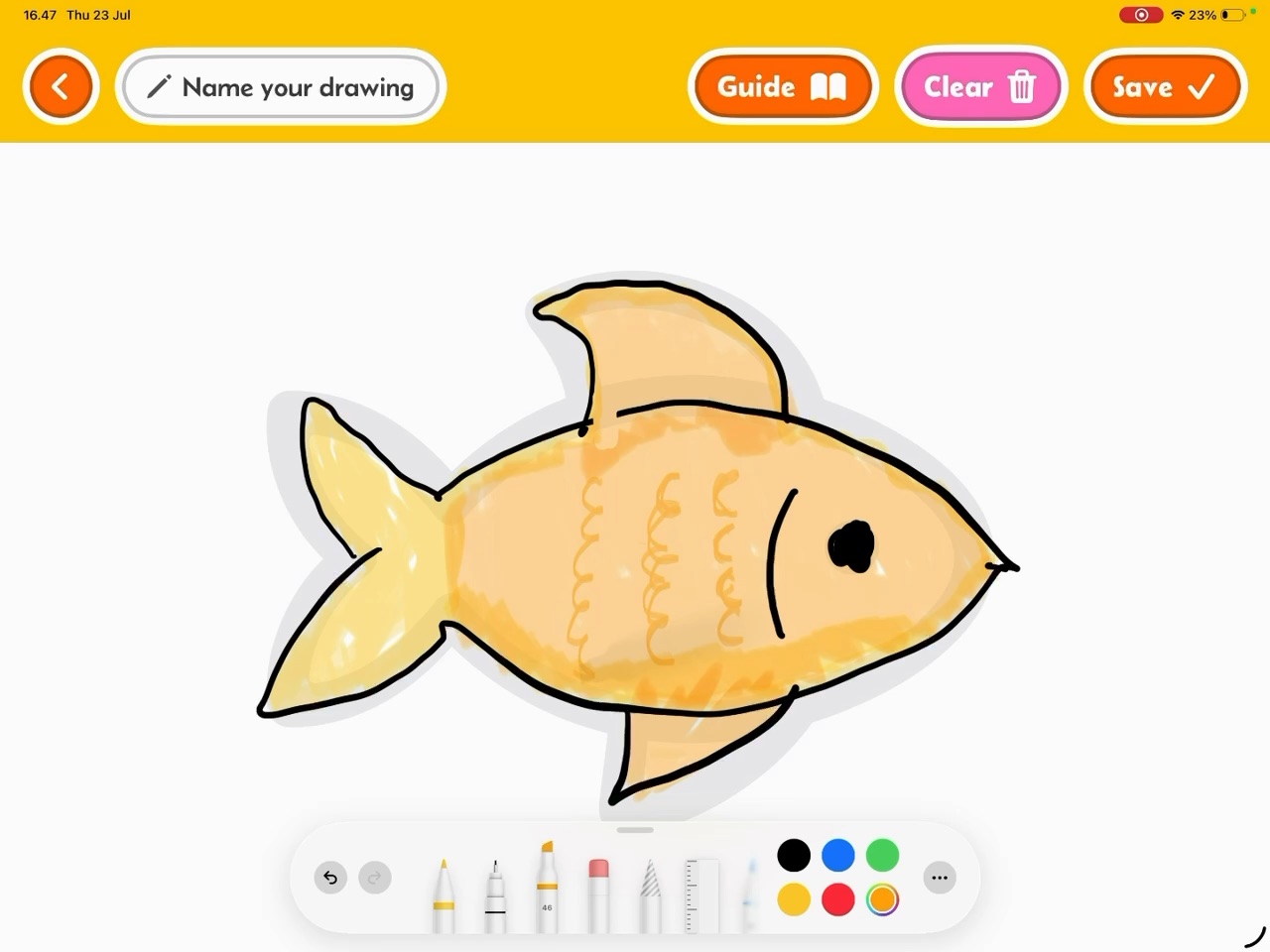
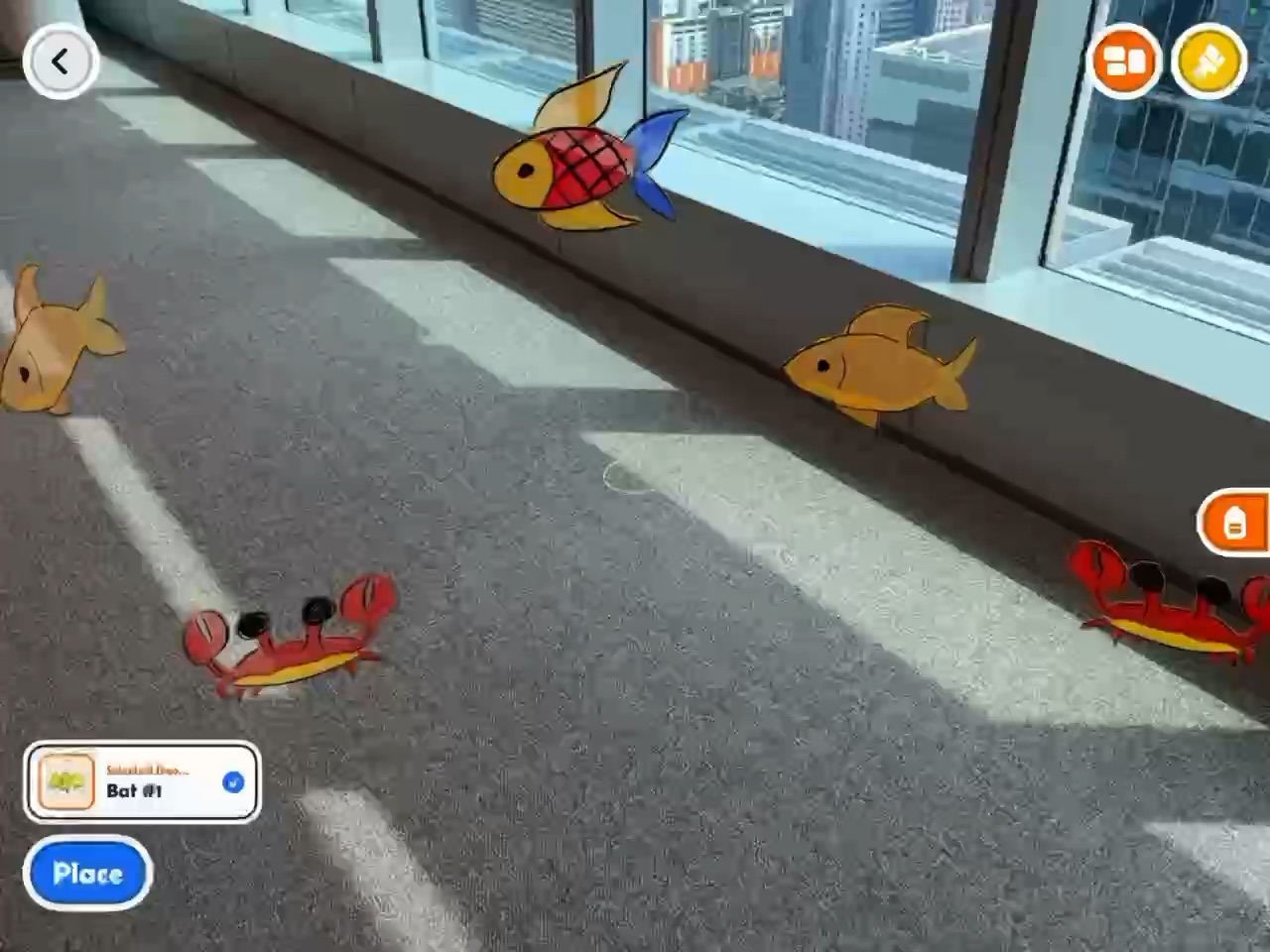
AniMagixx is an iPad app where you draw a character, then watch it come alive in the room around you. You draw with the Apple Pencil, the app turns the drawing into a 3D shape and animates it, and you place it on the floor using augmented reality.
How it works
- Draw. The canvas uses PencilKit, so the pen, marker, eraser, and colors feel like a native iPadOS drawing app.
- Find the outline. The Vision framework reads the finished drawing and finds its edges. That tells the app where the character ends and the empty paper begins.
- Build a mesh. The app uses the detected edges to generate a mesh, which is the 3D shape made of triangles. The drawing is applied to that mesh as its texture, so the character keeps your colors and lines.
- Animate. A Metal shader moves the mesh. The shader runs on the GPU, so many characters can move at the same time.
- Place it in AR. ARKit finds the floor, and you tap Place to put the character in the room. You can place several, like the fish and crabs in the video.